Gender Reveal Party –
You know the secret. Let the party guess it.
Start your reveal page →
For the one trusted with the secret – the doctor's envelope, the sister, the best friend. You book the page and run the reveal, so the parents can enjoy the party.
Booked by the keeper of the secret · Live online voting
Your role as secret keeper
Four steps to organise the big moment
You're the host of the reveal party: you book the page, invite the guests and press the big button on the day. You are the one who knows – so you set it up: party date, place and the names of the parents-to-be, then choose Basic or Premium. You never enter the gender anywhere – the secret stays with you.
Send the guest link or QR code along with the invitation. Everyone takes part in the live online voting: they pick Team Girl or Team Boy, leave a greeting and says if they are coming – so you see who will be there while the parents stay in the dark.
Show the live seesaw on a big screen – guests scan a QR code and vote online in one tap, and the result moves in real time. When the moment comes, you press “It's a girl” or “It's a boy” on your phone: confetti and fireworks on every screen at once. Only you can trigger it.
Greetings, photos and cards stay on the party wall – and you can add more photos afterwards and pass everything on to the parents. Then create a poster and a recap video as a keepsake.
Booked by you, enjoyed by everyone · Basic & Premium · No account needed
What you get
What the party sees – and what you control
Example screens of a real reveal page – what your guests see on their phones and on the big screen while you hold the secret.
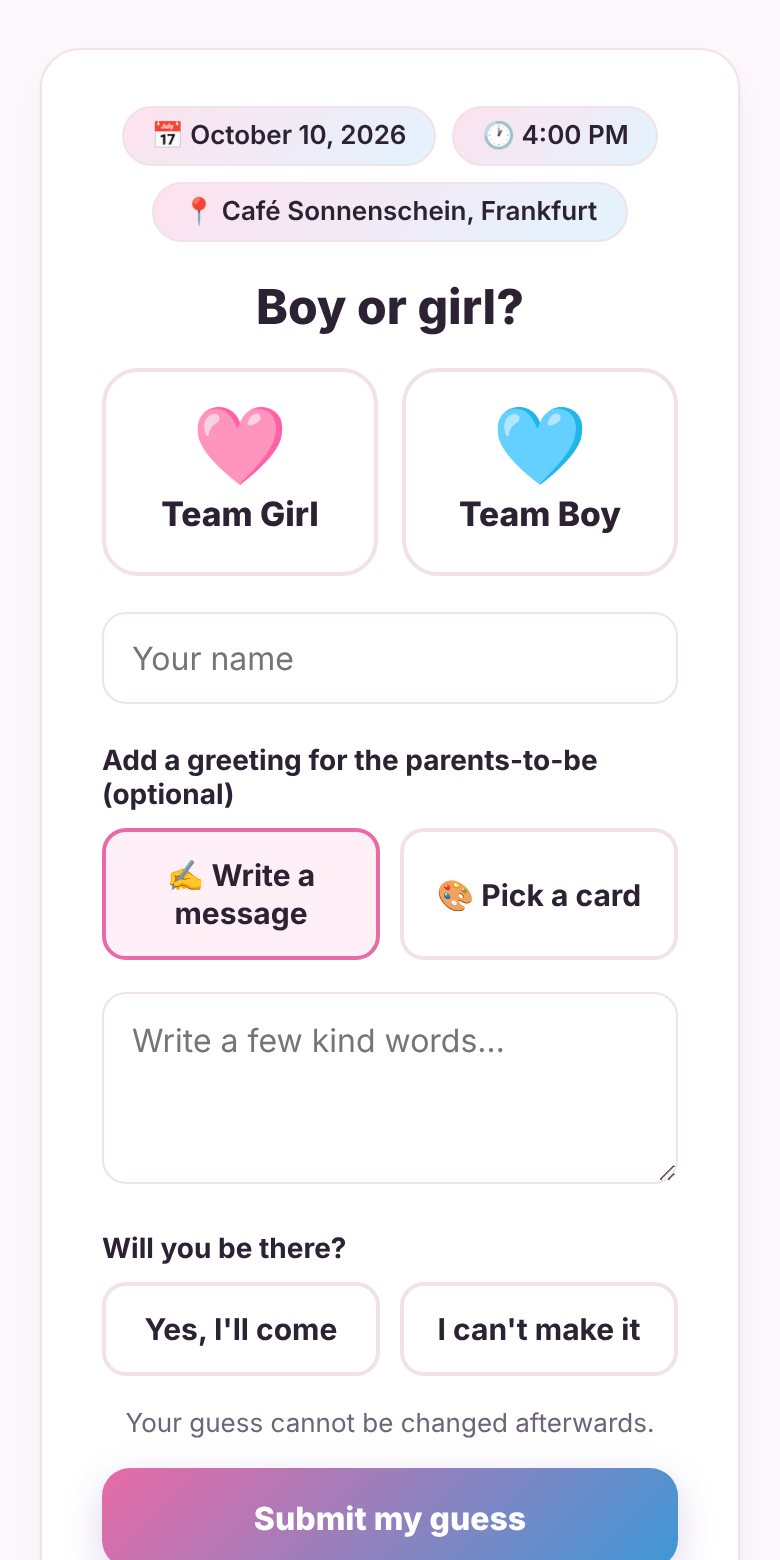
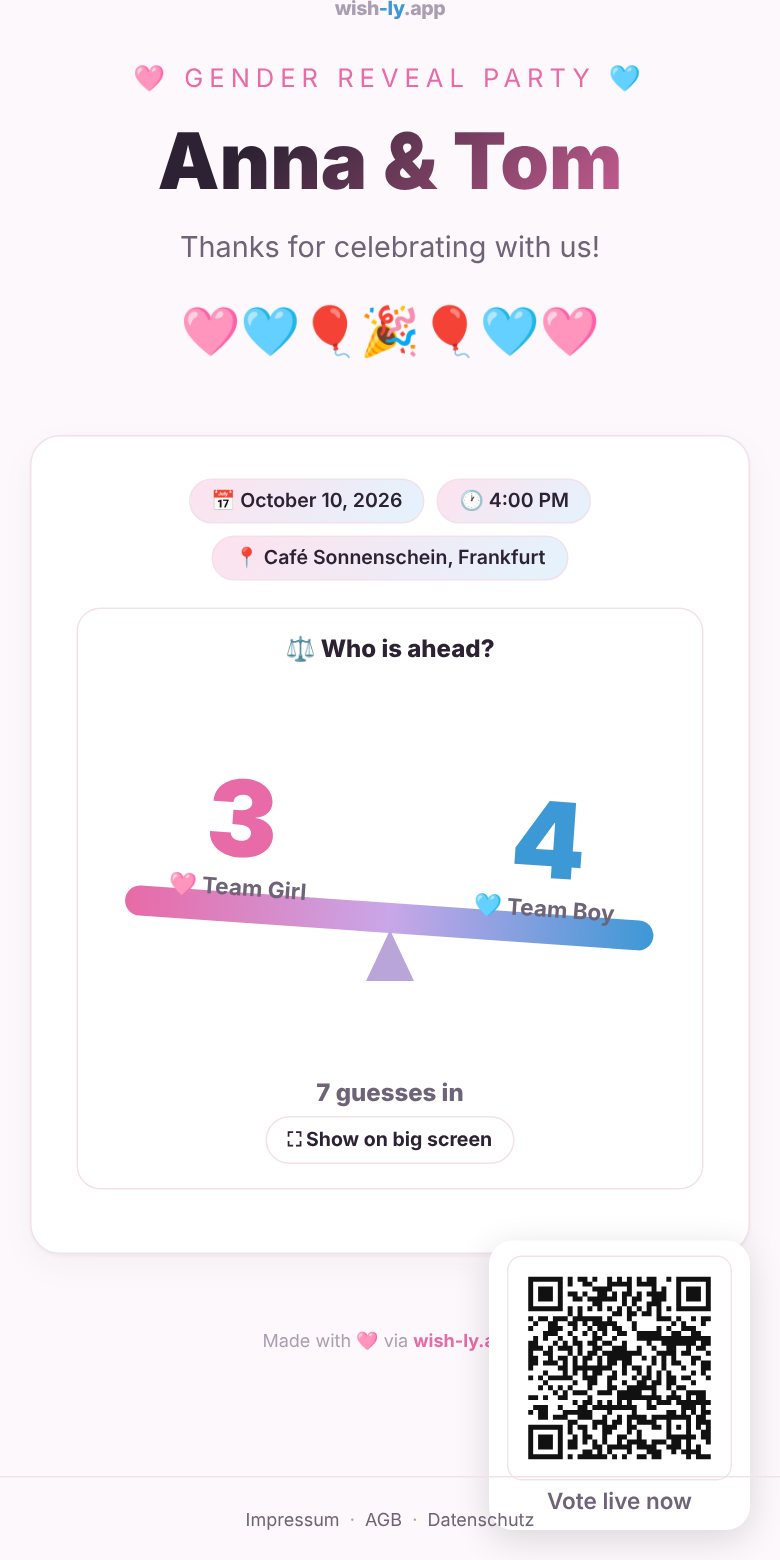
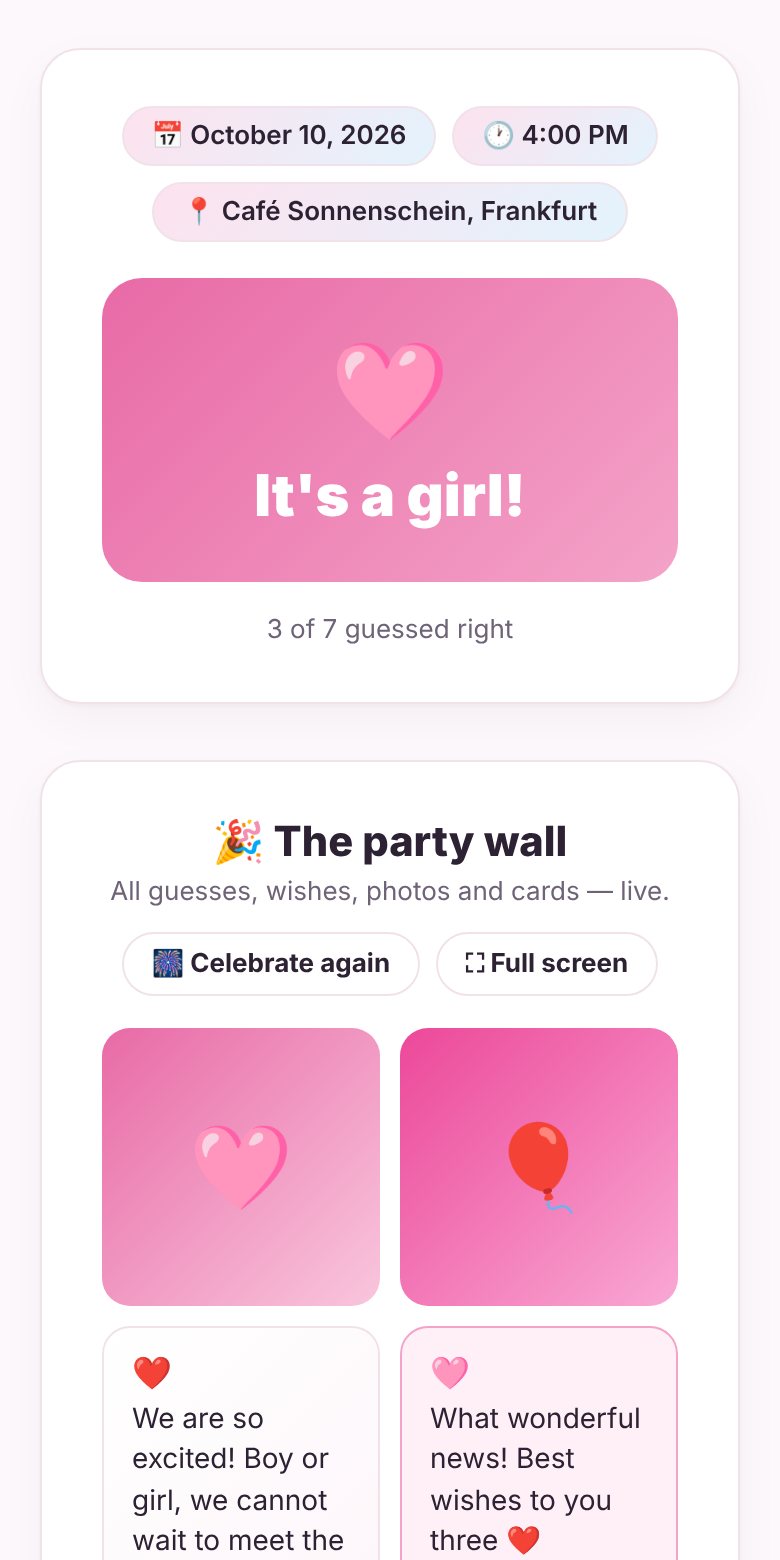
Your private page for organising the party: invite link and QR code, live guess count, guest list and the reveal button – and afterwards photos, poster and wrap-up for the parents.

Create a Baby Welcome Page –
Collect Wishes & Photos for the Little One
Create your baby page for free →
No account needed · Free to start · Guests don't need an app
How it works
3 steps to a heartwarming baby welcome
You're the organizer of the welcome page: you book it for the parents, friends and family send their wishes, and you decide when to hand it over to the parents. Enter the baby's name and the birth or welcome day, choose a plan – the page is ready in minutes. You book it as organizer; the date can be changed later.
Share the guest link or QR code via WhatsApp, email or Instagram. Friends and family add wishes, greetings and photos. Guests without a photo can pick a ready-made baby card, and AI helps write the perfect message.
When you're done, release the parents' link – then hand over the link, a printable poster for the nursery and a shareable recap video.
No account needed · Free to start
What you get
A real example – see it before you start
A live page with photos, wishes, a gentle music-box lullaby and a little firework when it goes live.








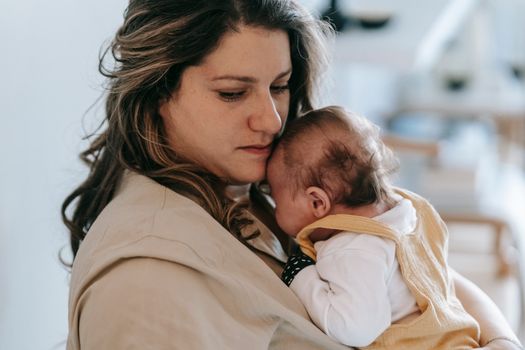
















Wishes
All the photos and wishes on one poster – print-ready in Basic & Premium, perfect for the nursery.
📐 Portrait & landscapeThe photos and wishes as a short recap video with a sweet lullaby – ready to send via WhatsApp or Instagram, or simply download as MP4.